
Check Internet Readiness Before Choosing a Saudi Home
Use official coverage maps, building checks and provider confirmation before relying on a home internet connection in Saudi Arabia.
.jpg)
Before buying or renting a Saudi home, verify the internet and mobile service at the exact address and inside the rooms where it will be used. A provider's map may show network coverage in a district while a particular building lacks a ready connection, suitable internal wiring or reliable reception in a basement room. Treat “fiber available” in an advertisement as a claim to check, not as a measured service commitment. The useful evidence is a provider's current serviceability answer for the precise national address, plus a physical check of the building and a plan for activation.
The Communications, Space and Technology Commission (CST) offers official Coverage Maps. Its service description says users can enter a national address or choose a map location to view the coverage status of communications networks. That is a strong first screening tool, reviewed here on 2 October 2026. It does not replace an order check with the provider or an inspection of the actual unit. Network availability and commercial packages can change, so save the date and provider behind every answer.
Identify the address, building and unit
Begin with the property's national address and building identifier, then record the floor and apartment number if relevant. An advertisement's neighborhood label is not precise enough for a connection enquiry. Check that the address the provider uses is the same one in the lease or purchase documents. A difference of one building can change the feasible installation path. Ask the seller, landlord or building manager whether the building has an existing fiber distribution point, a prepared conduit or a documented service agreement, and request evidence rather than relying on memory.
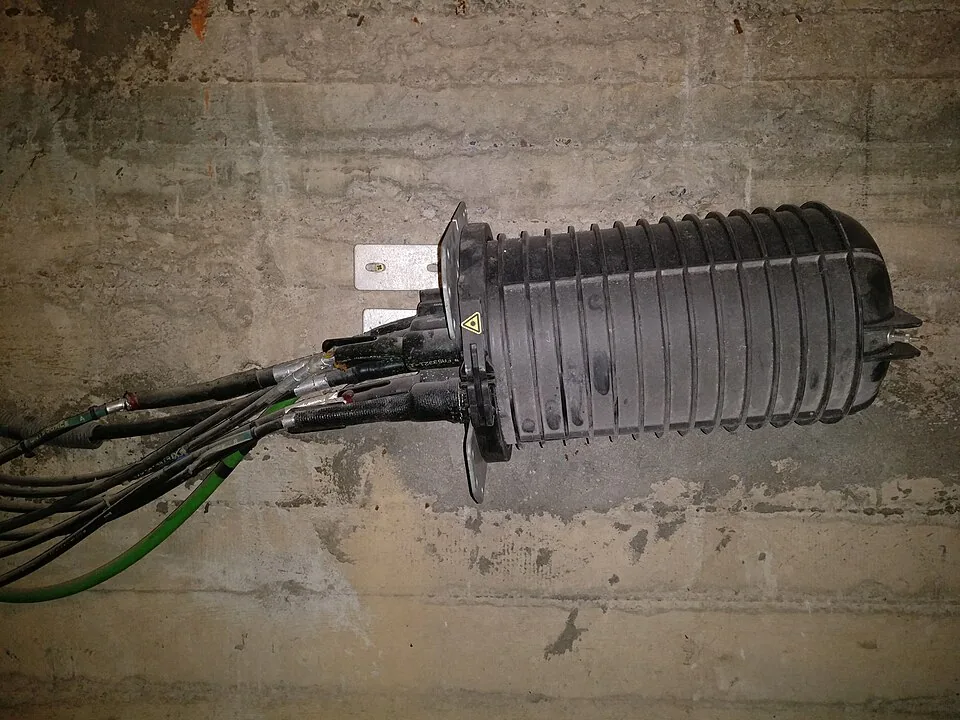
For an apartment, find out where the service enters the building and how it reaches the unit. Is there a usable conduit from the shared distribution point, a connection box in the flat, and permission for any work through common areas? A neighboring unit's active service is useful context but does not guarantee a free port or straightforward activation in yours. For a villa, ask where the external line would enter and whether any installation would require changes to finished surfaces or approval from a relevant party.
The property viewing checklist helps place these questions alongside other physical observations. Photograph existing data outlets and communications cabinets only with permission, and avoid handling live equipment. A neat wall socket alone does not show what is connected behind it.

Ask providers an address-level question
Check CST's coverage map, then ask one or more providers to confirm serviceability for the exact address and intended service. Request the available technology, realistic activation steps, installation conditions, any one-time cost and the earliest supportable appointment. Ask whether the response is a confirmed order result or an indicative coverage check. If a provider cannot locate the address or requires a site visit, mark serviceability unresolved rather than inventing a completion date.
Keep fixed broadband and mobile coverage as separate questions. A phone may show a strong outdoor signal while a particular room performs poorly due to building materials, orientation or congestion. Test inside the unit, in the rooms where work or study would happen, and at a time that resembles normal use if possible. A short speed test on someone else's plan is only a snapshot; it does not establish future speeds, data limits or the terms of a new subscription.
Review the internal network path
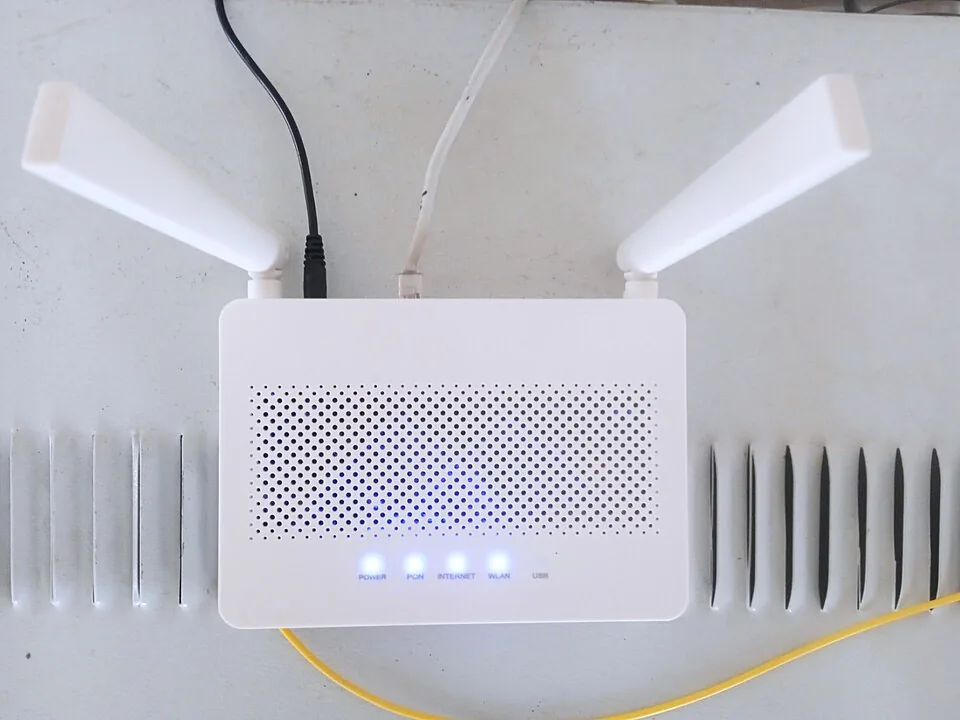
A connection entering the property is only the first part of the experience. Check whether the intended router location has power, ventilation and a practical route to occupied rooms. A large or multi-level home may need additional internal cabling or access points. If working from home is important, note where a wired connection would be needed and whether existing wall ports have been tested. Avoid promising that a device or router will fix weak provider coverage without diagnosing the source of the problem.
If the home is being renovated, ask a qualified installer to document cable runs and outlets before walls are closed. Keep a simple plan of the connection point, router position and tested sockets for handover. This is a building-use question as much as a technology purchase: alterations may need the owner's or building management's permission. The utility handover guide explains how to record accounts and access details without confusing a previous occupant's service with a new occupant's entitlement.
Put timing and responsibility in writing
If connectivity is essential to the decision, make the open issue explicit before signing. Identify who will permit access, who pays for any installation or internal wiring, and whether completion or move-in assumes a confirmed service. An oral promise that “the technician can come next week” is not the same as a provider appointment or approved installation route. Save provider responses, building-management messages and quotations with dates. If a fallback mobile connection is planned, test it at the property and check its current terms separately.
Do not pay a third party to “reserve fiber” without verifying the provider's official order process. If an activation fails after move-in, keep the order number, service description, promised date and correspondence. CST's telecom complaint escalation service describes a route after a complaint to the provider; its current conditions should be read directly before using it. This guide is about pre-transaction evidence, not a claim that every service issue qualifies for escalation.
A short decision record
One page should state the exact address, provider and technology checked, date of the coverage-map result, date and wording of the address-level serviceability response, building connection evidence, observed in-unit reception, estimated activation steps and unresolved costs. Mark each item confirmed, indicative or unknown. That distinction makes the record useful to another household member or adviser and prevents a marketing claim from quietly becoming a fact in the budget.
For a home where reliable connectivity is central to work, education or accessibility, an unresolved connection path can materially change the move-in plan. Do the checks early enough to affect the choice or the written terms, then revisit them before handover because availability may change. Continue with the home accessibility guide and the utility handover record to place digital access within the wider everyday-use test.
Sources and review
- CST: Coverage Maps — reviewed 2 October 2026. Official map for service coverage; street-level coverage does not guarantee installation in a unit.
- CST: Telecom Complaints Escalation — reviewed 2 October 2026. Official escalation route for unresolved service complaints.