
Ejar Move-In and Move-Out Reports: A Practical Checklist
Prepare an Ejar move-in or move-out report with room-by-room observations, clear photographs, contract checks and a traceable record of approval.

Make the Ejar report a dated comparison
An Ejar move-in or move-out report is most useful when the parties can identify the same residential unit, inspect clear observations and compare its condition across two dates. Prepare a room-by-room record, connect each photograph to a specific item, and check the actual electronic form before submitting it. A folder of attractive apartment photographs cannot explain which mark already existed, which appliance was tested or what remained unresolved.
For an investor, this is part of keeping a rental property understandable between tenancies. For a tenant, it creates an inspectable starting point. Keep rental condition documentation separate from a sale completion record: the property handover checklist covers the wider purchase handover, while this guide focuses on preparing evidence for Ejar's residential condition-report process.
Confirm the residential contract and the current deadline
The official Ejar check-in and check-out service, reviewed on 3 October 2026, requires a documented contract and currently describes residential contracts, excluding commercial ones. It identifies the service as mandatory. Its description gives seven days from contract start and end dates; one FAQ instead refers to contract documentation for check-in. If documentation and commencement differ, check the deadline shown for your contract and ask Ejar to resolve the wording before relying on a calculated date.
Prepare early. Confirm the contract reference, unit, relevant event date and account role shown in the current workflow. Save the notification or deadline information with your working file. Ejar says a sent form cannot be modified, so review the observations before sending. The live service instructions and contract-specific screen take priority over an old screenshot or a remembered sequence of buttons.

Build a room-by-room baseline before submission
Use a consistent route through the apartment: entrance, living spaces, bedrooms, kitchen, bathrooms and any included outdoor area. Give each observation a stable reference such as kitchen-window-01. Name the room and component precisely enough that another person could locate it. Write what you observed, what you tested and what you could not access as separate statements.
| Item to record | Useful evidence to retain |
|---|---|
| Walls and ceilings | Room reference, location of visible marks and a contextual photograph |
| Floors and skirting | Material, specific scratches or chips, and their position within the room |
| Doors and windows | Identified opening, visible condition and the operation actually checked |
| Included appliances | Inventory identifier, visible condition and the limited function tested |
| Bathroom and kitchen fittings | Fixture location, observations and any access restriction |
| Keys and access devices | Device description, count and the receipt or acknowledgement retained |
The Ejar forms catalogue lists move-in inspection and move-out forms. Use it for orientation, then work through the current electronic process. Keep your supporting notes organised rather than assuming that downloading a blank form completes a submission.
A short description such as “small chip at the bedroom door's lower inside edge” is more useful than “door damaged.” Add the photograph reference and record who observed it. Describe uncertainty directly. An inaccessible cupboard or an appliance that was not powered on should not be recorded as successfully inspected. For a more detailed repair list, use the property snagging log without confusing a repair request with an agreed condition statement.
Take photographs that another person can compare
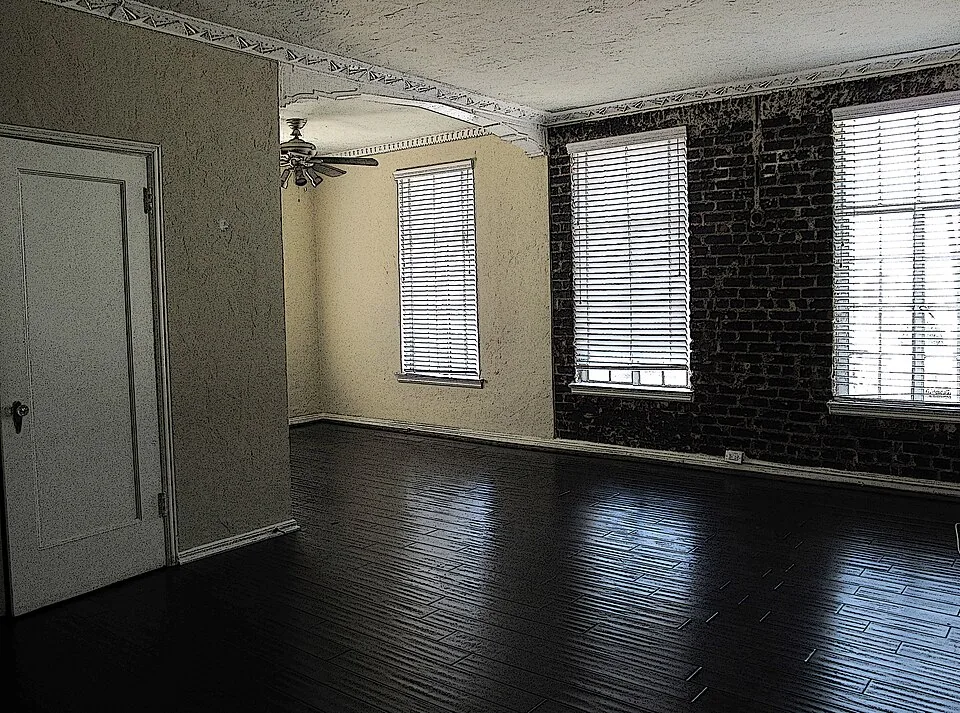
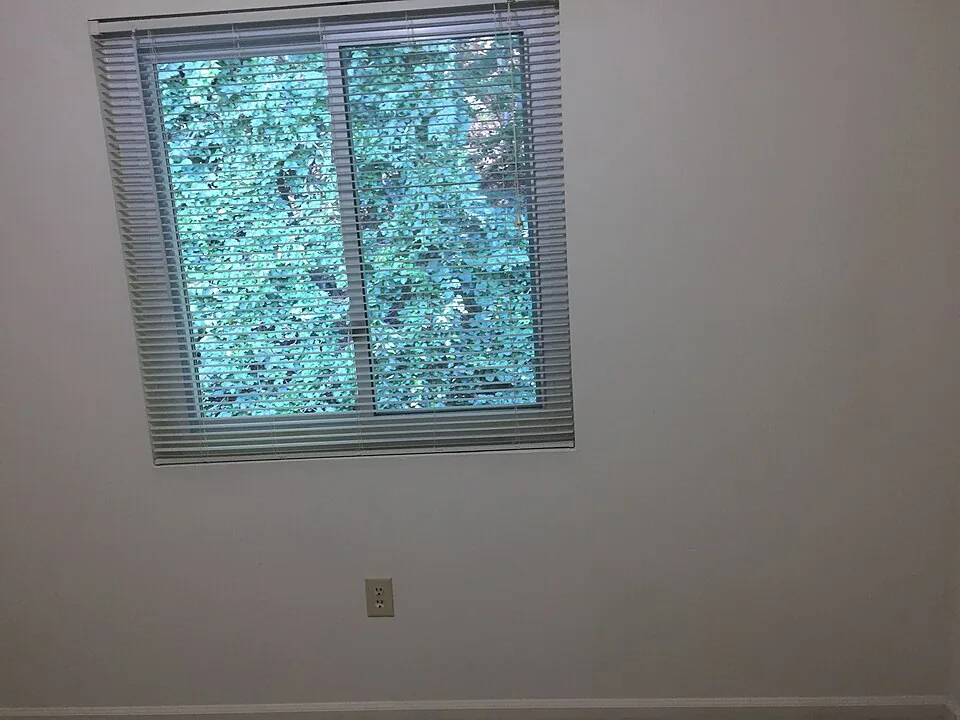
Photograph the room first, then the component, then any detail needing explanation. The wider view connects a close-up to its location. Use sufficient light and preserve the original files alongside any copies prepared for upload. Keep a simple index containing the item reference, capture date and filename. The two photographs illustrating this guide show separate apartment interiors; they are not a before-and-after comparison or Saudi rental inventory.
At move-out, repeat the original viewing position where practical. If furniture, lighting or access has changed, record that difference instead of presenting an unmatched photograph as proof of deterioration. A picture of a scratch alone does not establish when it appeared, why it happened or who must pay. Keep those questions separate from the observation.
Avoid including personal papers, unrelated belongings or people when recording a fixture. Capture the relevant condition with the minimum surrounding detail needed to identify it. Keep access to the working folder with the parties and authorised people handling the process.
Reconcile the exit record with the original evidence
At the end of the tenancy, put the initial observation and the new observation beside one another using the same item reference. Add any repair or replacement record from the intervening period. A replacement appliance needs its own inventory identity; comparing its photograph with the old appliance without explanation would create a misleading history.
For example, imagine a bedroom wall mark recorded at entry. If the exit photograph shows the same mark, retain both references rather than listing it as newly discovered damage. If the later photograph shows a different area, record a new observation and the limits of the comparison. This is an evidence method, not a decision about liability or an automatic deposit deduction.
Track cleaning, repairs and access arrangements separately from the condition comparison. The rental turnover budgeting guide helps an owner plan these operational costs without treating every expense between tenants as recoverable from a tenant.
Keep observations, disagreement and completion distinct
Before sending, check that each description matches its photograph and that both sides can identify the unit and event. Review any comment or disagreement through the current service process. Preserve the exact version submitted and the resulting status. A saved working draft, a sent form and a completed record are different stages; your evidence file should say which stage you have reached.
If an item is disputed, retain each party's position alongside the observation and supporting records. Do not quietly replace an earlier photograph or remove the disputed entry from your local file to make the outcome appear agreed. The property evidence file guide provides a practical way to retain versions, dates and unresolved questions.
Finish with a compact record: contract and unit identity, relevant dates, item index, photographs, intervening repair records, submitted version and current status. That file allows the next reviewer to understand the tenancy's condition history without reconstructing it from scattered messages. Use the official Ejar service linked above for the actual submission and current instructions.
Sources and review
- Ejar electronic check-in and check-out service — reviewed 3 October 2026. Official residential scope, documented-contract requirement and form workflow. Its description uses contract start/end dates while a FAQ refers to documentation for check-in; the article preserves this difference and directs readers to their current contract-specific prompt.
- Ejar forms — reviewed 3 October 2026. Official catalogue lists move-in inspection, move-out and standard-contract forms. A catalogue is not evidence that a particular electronic submission is complete.
- Ejar value-added services — reviewed 3 October 2026. Official property-condition service context. No deposit amount, deduction entitlement or individual dispute outcome is claimed.